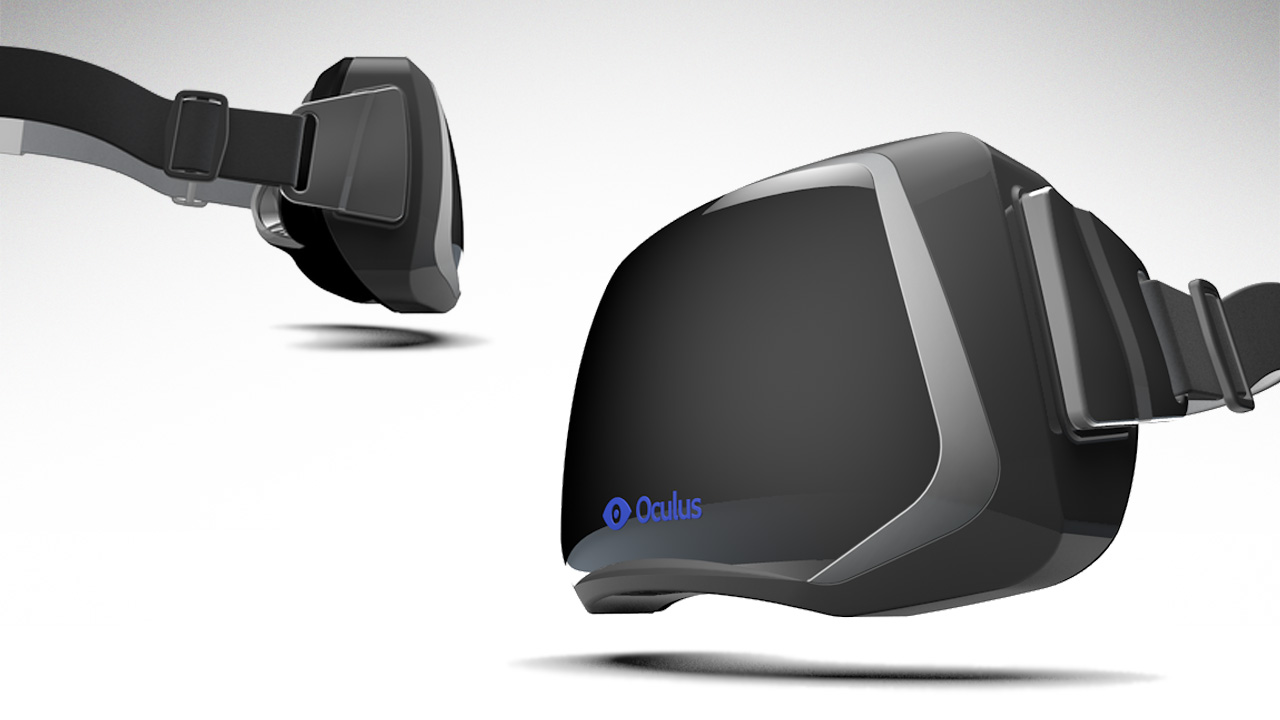
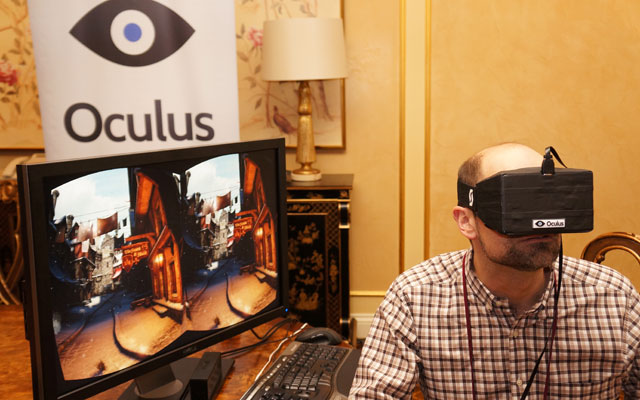
Valve have released a beta for SteamVR, an experimental method of connecting and interacting with Steam using the Oculus Rift virtual reality headset.
The announcement was made just a day before the Steam Dev Days annual conference, and issued via the Steam community website.
Programmer Joe Ludwig posted the following message.
How to try SteamVR
As of the most recent Steam Client Beta steam now supports an experimental VR mode. If you own an Oculus Rift dev kit you can try it out by starting Steam with “-vr” on the command line. Then press the Big Picture button to enter Big Picture + VR mode.
The first time you run you may need to do the following:
1) Run Steam in the desktop client without the -vr option
2) Find “SteamVR” under “Tools” in your library. (If you don’t have it installed, install it.)
3) Bring up properties on SteamVR and opt-in to the “Beta Update” beta. Let the update download.
4) Quit the Steam Client again and start it with -vr
In addition to SteamVR, Valve will show off their new VR software development kit at tomorrow’s Steam Dev Day conference. Seems like virtual reality gaming is inching closer to the mainstream.