
If you have ever paired a powerful graphics card with a mid‑range processor and wondered why your frame rate still feels stuck, you have already met the CPU bottleneck.
In simple terms, a CPU bottleneck occurs when your processor cannot prepare frames fast enough for your GPU, so the GPU spends a lot of time waiting, resulting in lower frame rates and frame pacing issues. It is easiest to understand not through lab graphs, but by watching how popular game genres behave when you tweak settings and chase higher FPS.
Indeed, many popular game types can experience these bottlenecks. Game categories known to have issues include esports shooters, which run at high FPS rates, resulting in high CPU pressure. Games that feature large, open-world maps to build on, multiplayer online battle arenas (MOBAs), and titles that emphasise strategy can cause bottlenecks.
In contrast, simple games that use web-based technology can often avoid CPU bottlenecks. Take online casino games, for example. These games are often developed using HTML5 and other programming languages, running smoothly and with few faults.
Indeed, these games need to run smoothly, as players don’t want to see rounds in which they’ve wagered money freeze, lag, or time out, especially if this means bets are forfeited. If you enjoy these lightweight HTML5 casino games and want to make sure you’re playing at a trustworthy online casino in Canada, we recommend checking out this guide, which walks you through how to choose safe and reputable sites.
Still, if you’re a gamer who enjoys traditional gaming and wants to understand CPU bottlenecks in your favourite games, we recommend reading on…
What “CPU‑Bound” Really Means
Every frame of a game has two broad phases: the CPU and the GPU.
The CPU handles things like game logic, AI decisions, physics, collision checks, and telling the GPU what to draw, while the GPU actually renders the pixels you see. In a CPU‑bound scenario, the processor is maxed out doing that first part, and the GPU is under‑utilized because it cannot start the next frame until the CPU finishes its work. Lowering resolution or turning down purely visual effects hardly changes FPS here, because the graphics card was never the limiting factor.
By contrast, in a GPU‑bound scenario, the graphics card is pegged close to 100% usage, while the CPU has room to spare. In that case, lowering resolution or visual quality usually boosts FPS immediately, because you are taking work off the GPU’s plate. The same PC can switch between these two modes depending on the game and even the exact scene you are in.
Explaining CPU Bottlenecks In Terms Of Popular Games
So, how does this translate when looking at some of the biggest and most popular games?
As noted, esports shooters like Counter-Strike: Global Offensive, Valorant, and others are among the most obvious to gamers who understand the concept. Competitive shooters like tightly tuned tactical FPS titles are a classic example of engines that can hit CPU limits long before the GPU gives up, especially if you play on lower resolutions and chase extremely high frame rates.
1080p with modest visual settings, a modern GPU can often render frames absurdly fast. However, the CPU still has to simulate player movement, bullet trajectories, recoil patterns, server updates, and physics multiple times per frame. Once you aim for 200–300+ FPS on a fast monitor, the CPU’s workload per second climbs sharply.
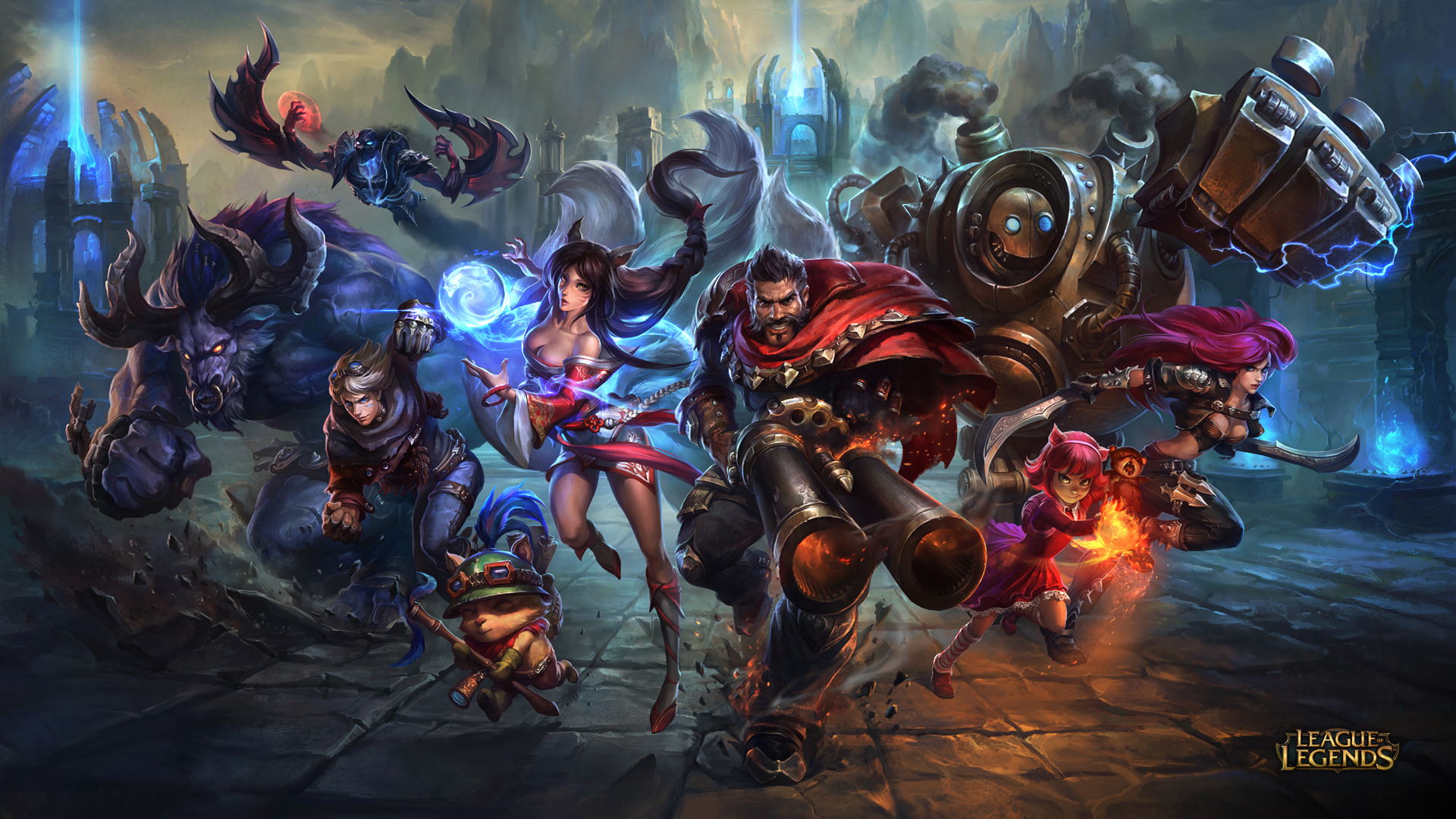
Additionally, MOBA and similar arena games like League of Legends or Dota are usually gentle on the GPU at typical frame rate targets, leading many players to underestimate how hard they can push the CPU when things get busy. Your system might look balanced or even GPU‑bound, with smooth, high FPS and plenty of CPU headroom. Then a full 5‑on‑5 fight explodes on screen, forcing the CPU to work even harder, and at a moment’s notice, because of all the components shown.
Games that are highly detailed are often the clearest examples of CPU bottlenecks. Imagine loading up a big city‑builder or a grand strategy game like Cities: Skylines, and playing a late‑game save. You’ve already done a lot of work within the game, adding plenty of detail to your save and creating an intense gaming environment.
CPUs can often work without fault or trouble at the beginning of the game because the game’s actions are limited. However, as you get further into the game and more complex actions are required, the CPU becomes overworked, needing to do even more just to run the game smoothly.
What Should Players Do To Try & Reduce CPU Bottlenecks?
Gamers who experience CPU bottlenecks when playing their favourite video games can take several steps to reduce, avoid, or eliminate them as much as possible.
Tweaks to the game’s settings are often the first port of call and where players should look first. For instance, it could be a good idea to cap the FPS to reduce bottlenecks. However, this can affect the overall quality of the game and the experience.
Additionally, players can close background tasks or those unrelated to the game being played. These may be unnecessarily wasting CPU, causing the software and hardware to run harder than they need to.
Of course, hardware upgrades may also be needed. Games are becoming more powerful with each release due to new technologies. This could lead gamers to spend more money, though it may be a necessary evil to keep them playing the games they regularly enjoy.
For the latest gaming news, follow GameWatcher on BlueSky, check out our videos on YouTube. We sometimes include affiliate links in our posts, which grants us a small commission, thank you. Please support independent Games Media. ❤️